Dragon Ball Z: Burst Limit gets a native Windows x64 port
A fan static recompilation of the US Xbox 360 version of Dragon Ball Z: Burst Limit now runs as a native Windows program. You still need your own disc image.
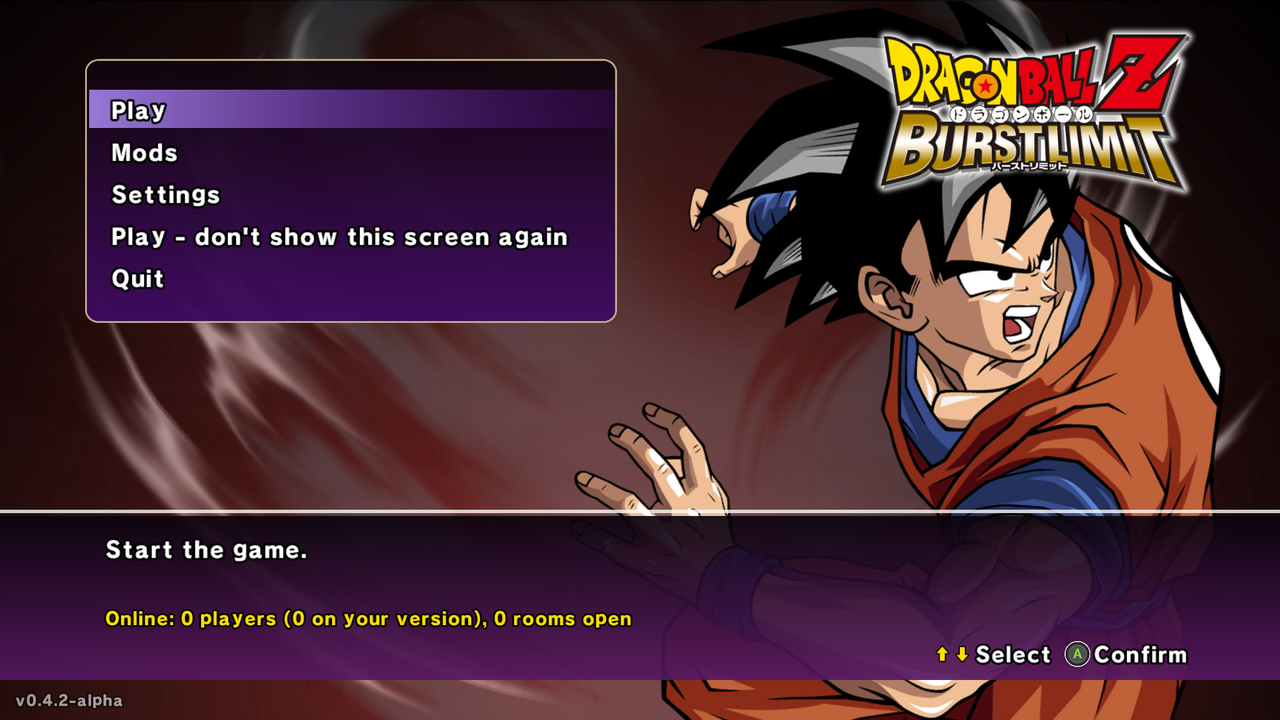
Dragon Ball Z: Burst Limit, the US NTSC-U Xbox 360 version, now has a native Windows x64 port, and it doesn’t run inside an emulator. The project is a static recompilation built on the ReXGlue recompiler and runtime. The game’s PowerPC code gets translated ahead of time into C++ and compiled with Clang.
That matters for a few reasons. There’s no JIT, so the game code runs as a native build. The renderer is Direct3D 12. The author’s numbers are big: about 2x the FPS at native 4K, going from 100 to 190+ on an RTX 4080, plus +40% with DLAA. On an AMD integrated GPU at 1080p, they report +32%.
The repo contains no game data. You need your own legally obtained copy, and only the US version works. European and Japanese versions aren’t supported. You don’t have to unpack anything by hand. On first start without game files, the program asks for your Burst Limit (USA) Xbox 360 .iso, checks that it’s the US version, and copies about 3.3 GB next to burstlimit.exe. The image itself isn’t changed. If you’d rather skip the file picker, use –install_iso=
The feature list is long. Frame rate caps at 30, 60, 120, 144 or unlocked. Window sizes run from 512x448 to 2560x1440. There’s FSR 1/2/3, CAS, experimental DLSS and DLAA, an FOV slider from 50 to 200%, a free camera, three Z Chronicles stages and four hidden costumes. The page cuts off partway through the list, so I can’t tell you more about the mods side.
How to try it:
- Get a legally dumped US Burst Limit .iso.
- Clone or download the repo. It ships build.bat and run.bat if you want to build it yourself.
- Run it and point the first-start prompt at your .iso.
- Set frame_rate and DLAA in the in-game settings if your GPU can take it.
The caveats are simple. The project is young, with 44 stars and 23 commits on the page. FSR 4 hasn’t been tested on AMD hardware yet, and the author asks for reports. The page doesn’t say how complete the port is or list known bugs, so check the Issues tab before you spend an evening on it.